Skip to content
HoppinGeek

HoppinGeek

Evergreen content that's useful for users

  • Internet
  • Operating System
    • Android
    • IOS
    • Linux
    • Mac
    • Windows
  • Buying Guide
  • Wallpapers

You are here:

  • Home
  • Operating System
  • Windows
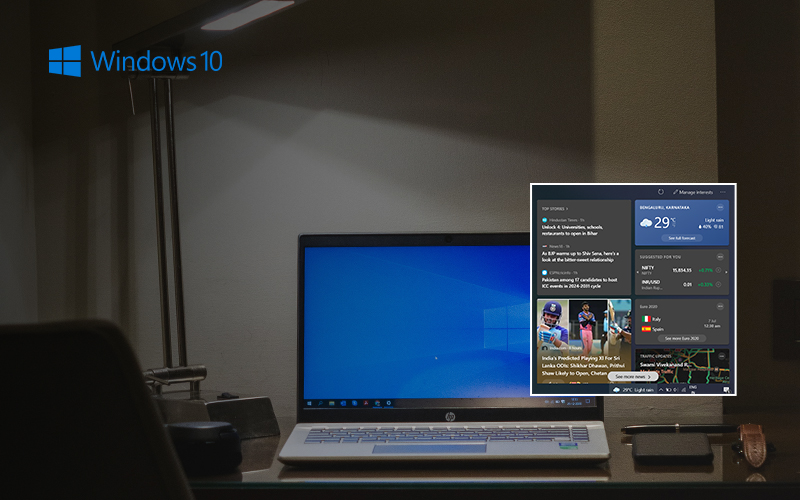
  • How to Disable News and Interests Widget on Windows 10 Taskbar
  • disable_news_and_interests_widget_on_windows_10_taskbar-dfs5-thumb

disable_news_and_interests_widget_on_windows_10_taskbar-dfs5-thumb

July 5, 2021 Amit Mondal
  • Facebook
  • Twitter
  • WhatsApp
  • Email

Disable News and Interests Widget, Disable News and Interests Widget on Windows 10 taskbar

  • Facebook
  • Twitter
  • WhatsApp
  • Email
  • Facebook
  • Twitter
  • Instagram
  • YouTube
  • LinkedIn

You Might Like

  • Disable Automatic Updates on Windows 11, Stop Automatic Updates on Windows 11, Disable Auto Update on Windows 11 How to Disable Automatic Updates on Windows 11
  • Block Ads on Youtube Android How to Block Ads on Youtube Android, Block Ads on Youtube App
  • best non chinese smartphone Best Non Chinese Smartphone Under 15000 Rupees Available in India
  • kalakar gift studio Kalakar Gift Studio, How Surbhi Gupta 23 don’t let anyone stop her from following her dreams
  • windows 10 stuck on lock screen Windows 10 Stuck on lock Screen Top 5 Fix you must Know
  • Delete Cache Files in Windows 10, clean Cache Files in Windows How to Delete Cache Files in Windows 10
© 2020 - 2021 Hoppingeek. All Rights Reserved.
  • About me
  • Contact us
  • Privacy Policy